
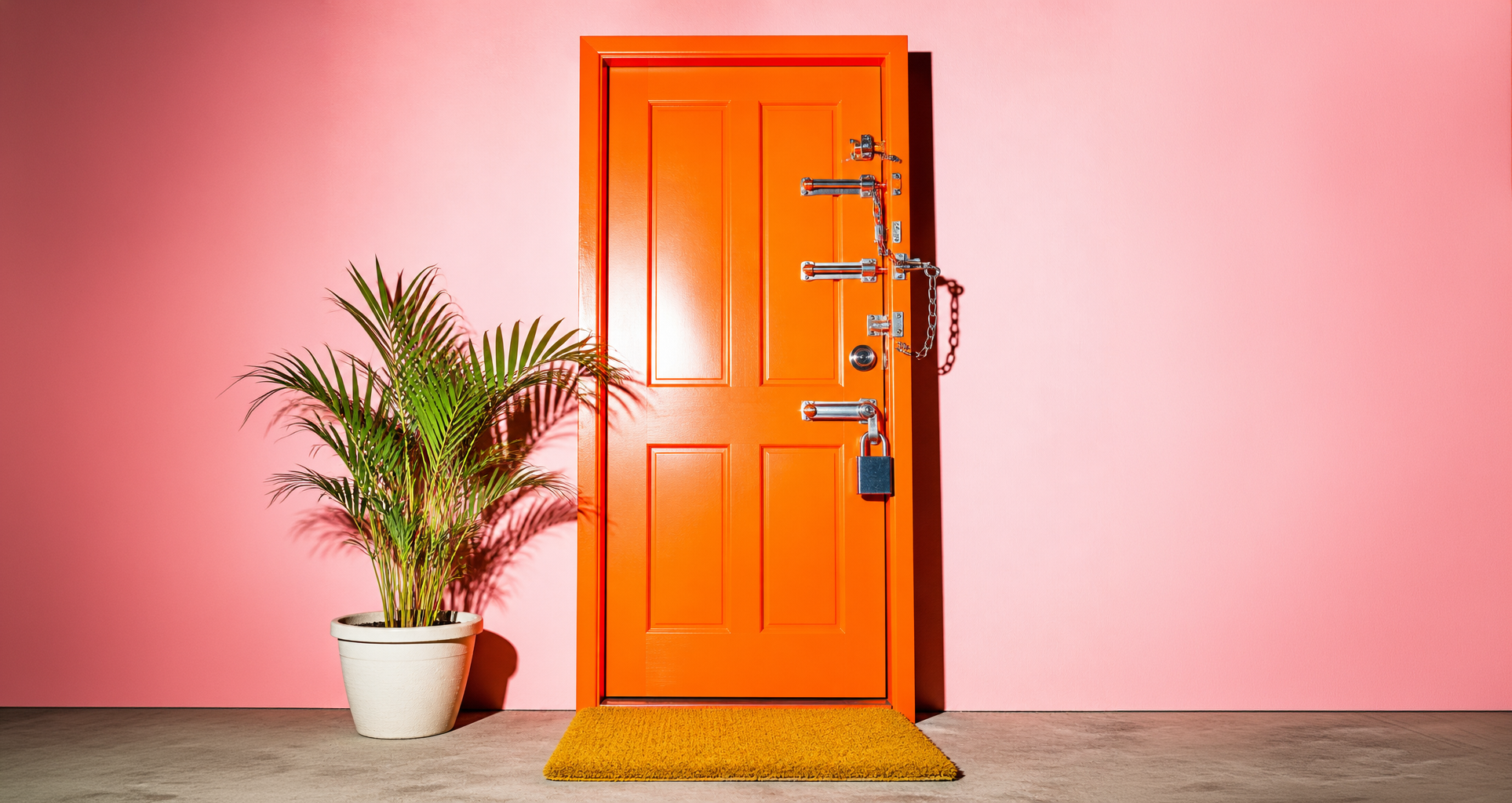
Your website is a front door to your customer data, and a lot of small businesses are leaving it wide open.
A hacked website tends to surface in an awkward way, like a customer asking why your homepage is advertising something else, or a browser warning sitting where your contact page used to be. Website security best practices are mostly dull habits that keep that from happening, and this checklist covers twelve of them in the order we'd work through them. It’s also getting easier to find gaps in security: attackers now use AI tools to scan thousands of sites for known weaknesses in the time it once took to check one.
The stakes are bigger than an embarrassing homepage, too. Your website is probably connected to your CRM, your payment processor, and your email platform, so someone who gets into the site can often reach customer records and billing information through those connections.
We've been building and maintaining websites since 2010, and the same few gaps show up again and again. You'll also find what website security is, how to check where your own site stands in about ten minutes, and what to do if it's ever hacked. None of it requires a technical background, and all of it starts with knowing who has the keys to your site.
First lets cover the basics… What is website security?
Website security is the set of settings and habits that keep outsiders from getting into your site, changing it, or using it to reach your customers. It comes down to four things: who can log in, what software the site runs on, how your site connects to its visitors, and how quickly you can recover if something goes wrong.
And here’s Why website security matters for a business.
A hacked website costs more than the cleanup, because visitors who hit a browser warning leave, search engines can flag the site, and any customer information that passes through it becomes your responsibility.
The bigger exposure is everything your site touches. If someone gets in, they may also reach customer contact details, order and billing information, and the apps synced to your site, like HubSpot, Stripe, or your email platform. That turns a website problem into a customer data problem, and notification duties can follow.
eSecurity Planet's summary of Verizon's 2026 Data Breach Investigations Report covers breaches broadly and not only websites, and it found that small and midsize businesses made up about 96% of ransomware victims where company size was known. Exploiting software vulnerabilities (31%) also overtook credential abuse (13%) as the most common way in. The same summary notes that many ransomware campaigns are opportunistic, aimed at whoever has stolen credentials, unpatched software, or limited security resources.
That pattern fits where things are heading. AI has lowered the cost of finding and exploiting known weaknesses, and researchers keep reporting that the gap between a flaw going public and an attack on it is shrinking. The attacker does not need to know your business exists, only that your site has a hole they have seen before.
Website security best practices: the 12-point checklist
To secure a website, keep its software updated, protect every login with a unique password and two-factor authentication, limit who has access, encrypt traffic with HTTPS, back the site up somewhere off-platform, and watch it for changes. The twelve steps below put those habits in order, starting with updates and logins.
1. Keep your software updated
Updates fix known holes, and attackers go after known holes first. In the 2026 report, only 26% of critical vulnerabilities on CISA's known-exploited list were fully fixed in 2025, and the median time to fix them grew from 32 days to 43. If your site runs on WordPress or another self-hosted platform, update the core software, themes, and plugins on a schedule.
On a hosted builder like Squarespace, the platform's own security team maintains the platform, and your job is the account and anything you add. When we take over a site, one of the first things we check is the last time anything was updated or backed up, and the answer is often "we're not sure."
2. Use a unique password for every account
A reused password turns one leaked login into access to everything. A password manager gives every account its own password, so nobody has to remember them or paste them into a shared document. We regularly find one shared password sitting in a spreadsheet or an old email thread.
3. Turn on two-factor authentication
Two-factor authentication asks for a code from your phone on top of your password. Turn it on for your website login, your hosting account, your domain registrar, and the email address that can reset all of them. Squarespace offers it on member accounts. Don't stop at the website.
Your marketing accounts hold customer data and ad budgets too. Turn on two-factor authentication for Google Analytics, Search Console, and Google Ads (they share your Google login), Meta Business Suite, and any tools like HubSpot or Stripe.
4. Give people only the access they need
Every login is a door. List everyone who can edit your site, including employees, freelancers, and past agencies, and give each person the lowest level that lets them do the job. People were involved in 62% of breaches in Verizon's 2026 data, and a former contractor with a working login is one of the easiest risks to remove.
The most common thing we see with small businesses is a former agency or freelancer who still has a working login years later. Squarespace lets you set different permission levels for contributors, and most other platforms do too.
5. Protect your domain name
If someone takes over your domain, they take over your website, your email, and your name. Turn on the registrar lock that blocks transfers, use two-factor authentication on the registrar account, and set the domain to auto-renew so it can't expire by accident.
6. Use HTTPS on every page
HTTPS encrypts the connection between your site and its visitors, and browsers warn people when it's missing. Squarespace uses TLS encryption for that traffic and offers HSTS, which lets a site be reached only over HTTPS. On any platform, check that every page loads with the padlock and that old http addresses redirect to https.
7. Back up your site and test the restore
A backup you've never restored is a guess. Keep automatic backups, store at least one copy somewhere other than your host or platform, and run a test restore once so you know how long recovery takes.
8. Delete what you don't use
Old plugins, unused themes, abandoned test pages, and forgotten subdomains are open doors that nobody is watching. If you aren't using it, remove it.
9. Put a firewall in front of your site
A web application firewall filters out malicious traffic before it reaches your site. Squarespace uses web application firewall technology, and on a self-hosted site your host or a security service can provide one, so ask which you have.
10. Protect your forms and logins
Contact forms and login pages get hit by bots all day. Turn on spam protection, limit repeated login attempts, and use a CAPTCHA where it makes sense, which keeps junk out of your inbox and slows down password guessing.
11. Vet every third-party tool
Plugins, embeds, chat widgets, and tracking scripts all run inside your site or connect to it, along with the vendors behind them. Third parties were involved in 48% of breaches in the 2026 report, up from 30% the year before, so add tools on purpose, keep a list, and remove the ones that stop earning their place.
Each connection to a tool like HubSpot or Stripe is also a path back into your customer data, so a weak link on your site can become a weak link everywhere it connects.
12. Set up monitoring and a plan
Turn on uptime alerts, check the Security issues report in Google Search Console, and decide ahead of time who gets called if the site goes down or looks wrong. Finding a problem in an afternoon is far cheaper than finding it weeks later.
If you're planning a new website, security belongs in the plan from the start. Our Website Care Plan for Matchbox-built sites includes security monitoring and software and plugin updates, and we're glad to talk through what that looks like for your business.
Website security on Squarespace vs. WordPress is different.
Where your site lives decides who handles what, and neither option is automatically safer. A hosted builder removes a lot of the upkeep, while a self-hosted site that nobody updates carries more risk.
Hosted builders like Squarespace:
What the platform handles: its infrastructure, encryption of traffic in transit, and a web application firewall
What you handle: your account login, who has access, any code or tools you add, and your domain
What to check: that two-factor authentication is on and that each contributor's permission level still fits their role
Self-hosted sites like WordPress:
What you or your host handle: core, theme, and plugin updates, server security, a firewall, and backups
What you handle either way: logins, access, and your domain
What to ask your developer or host: who runs the updates, how often, and where the backups are stored
How can you tell if your website is secure?
Three quick checks tell you a lot: every page should load over HTTPS without browser warnings, a Google search for your own domain should show only pages you recognize, and the Security issues report in Google Search Console should be empty. None of them proves a site is safe, though any failure is a good reason to look closer.
Check every page for HTTPS. Load your site on a different device and look for browser warnings.
Look for pages you don't recognize. Search site:yourdomain.com in Google, since unfamiliar pages can be a sign of spam injected into your site.
Open Google Search Console. The Security issues report lists problems Google has detected.
A free online scanner can catch more, and a clean result is one input among several.
What is a website security audit?
A website security audit is a one-time review of how your site is set up: who has access, what software it runs, how it's protected, and whether you can recover from a failure. It produces a prioritized list of fixes, and it's a good first step before a redesign or after a change in who manages your site.
What to do if your website gets hacked?
If your website is hacked, contact your host or platform support first, then change every related password, remove users you don't recognize, restore a clean backup, and find out how the attacker got in before the site goes live again. The steps below group that into three phases.
Contain it. Call your host or platform support, change every related password, turn on two-factor authentication, and remove any user you don't recognize.
Recover. Restore a clean backup, update everything before the site goes back up, and find out how they got in, since skipping that step lets them return the same way.
Report and clear. Talk to an attorney or your insurer if customer information may be involved so you know what you're required to tell people, and request a review in Google Search Console if Google flagged the site.

Put your website security on a recurring schedule.
A site that stays updated, locked down, and backed up is one you can stop thinking about. The median time to fix a critical, known-exploited vulnerability reached 43 days in 2025, and attackers go after those same holes first, so the sooner it's on a schedule, the better. AI is speeding up how fast attackers move, which is a good reason not to wait for next quarter to get started.
If you're planning a new website or a redesign, we're glad to talk through how security fits into the build and what ongoing care looks like afterward (a Website Care Plan covers security monitoring and software and plugin updates for sites we build).
Related articles: